ParaView

T622 Paraview 設定例2

この記事は約1分で読めます。

ParaViewの操作の覚書です。(解像度が悪いので何をやっているか程度です)

必要なビュー設定を重ねていくレイアー操作になっています。
どういった表示があるかベースコマンドを整理しておくと、最終表示がイメージしやすくなると思います。

フィルタ

変形表示
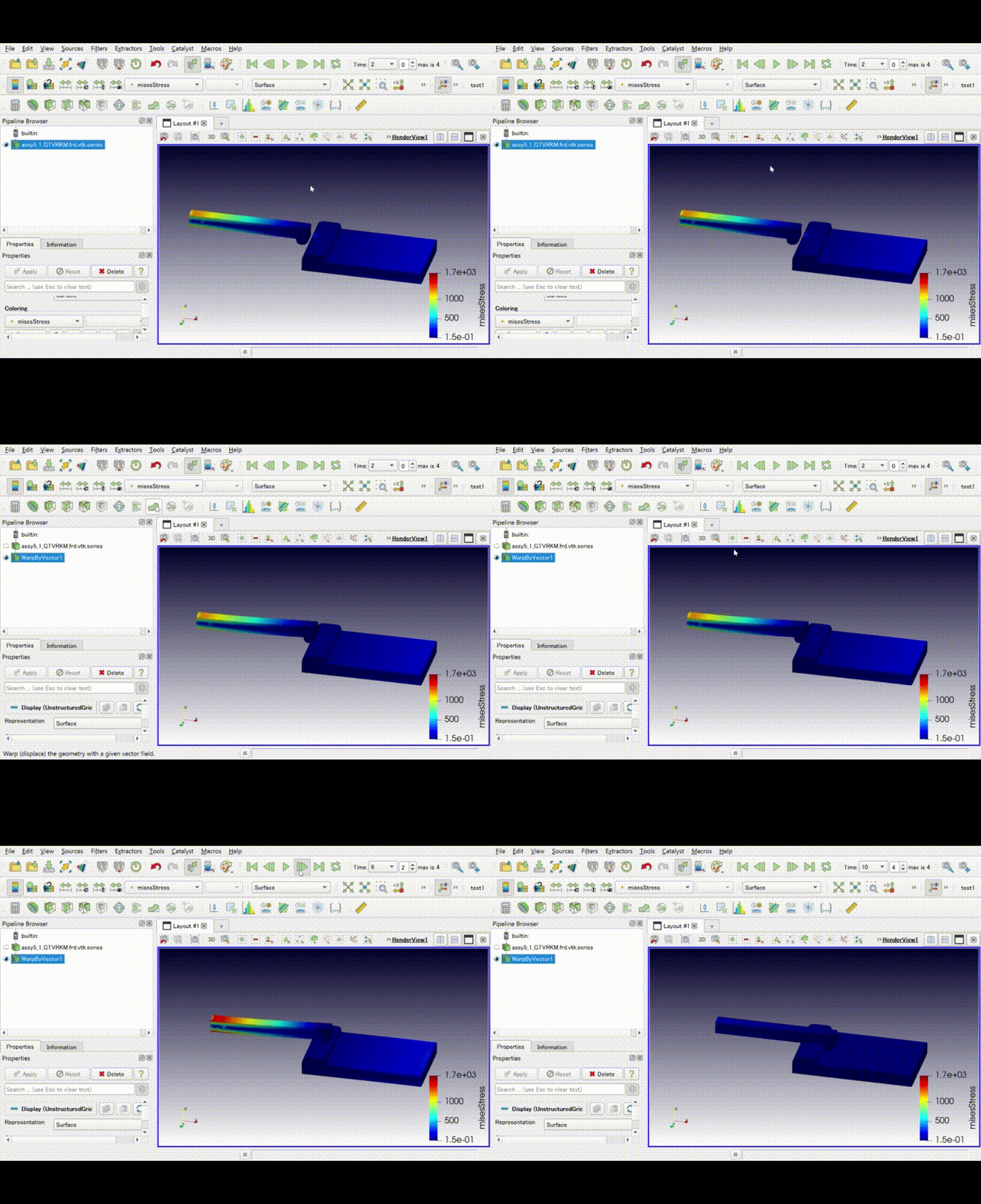
変形図のビューに対して、表示項目をぶら下げると変形挙動で表示できます。

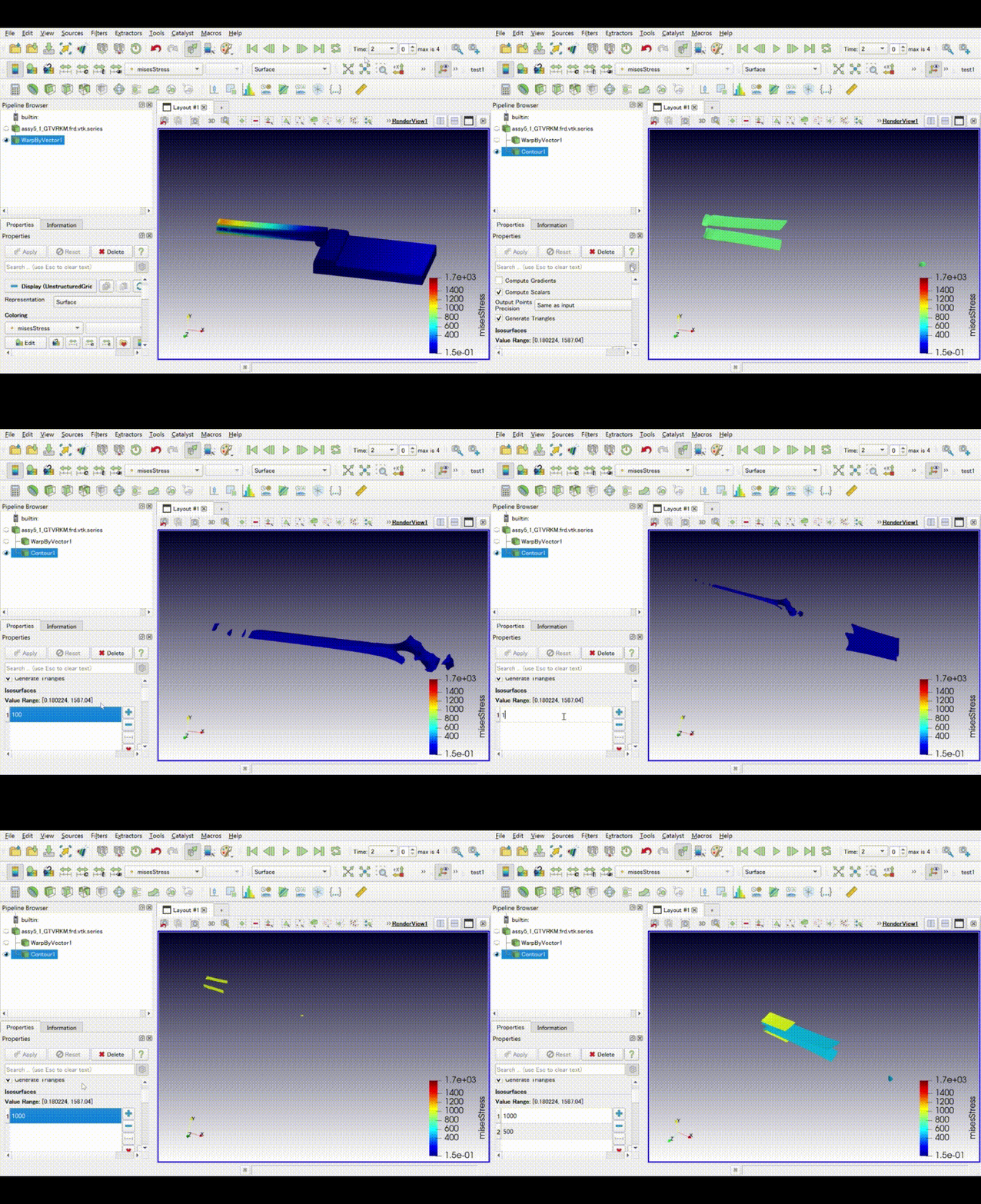
等高線表示
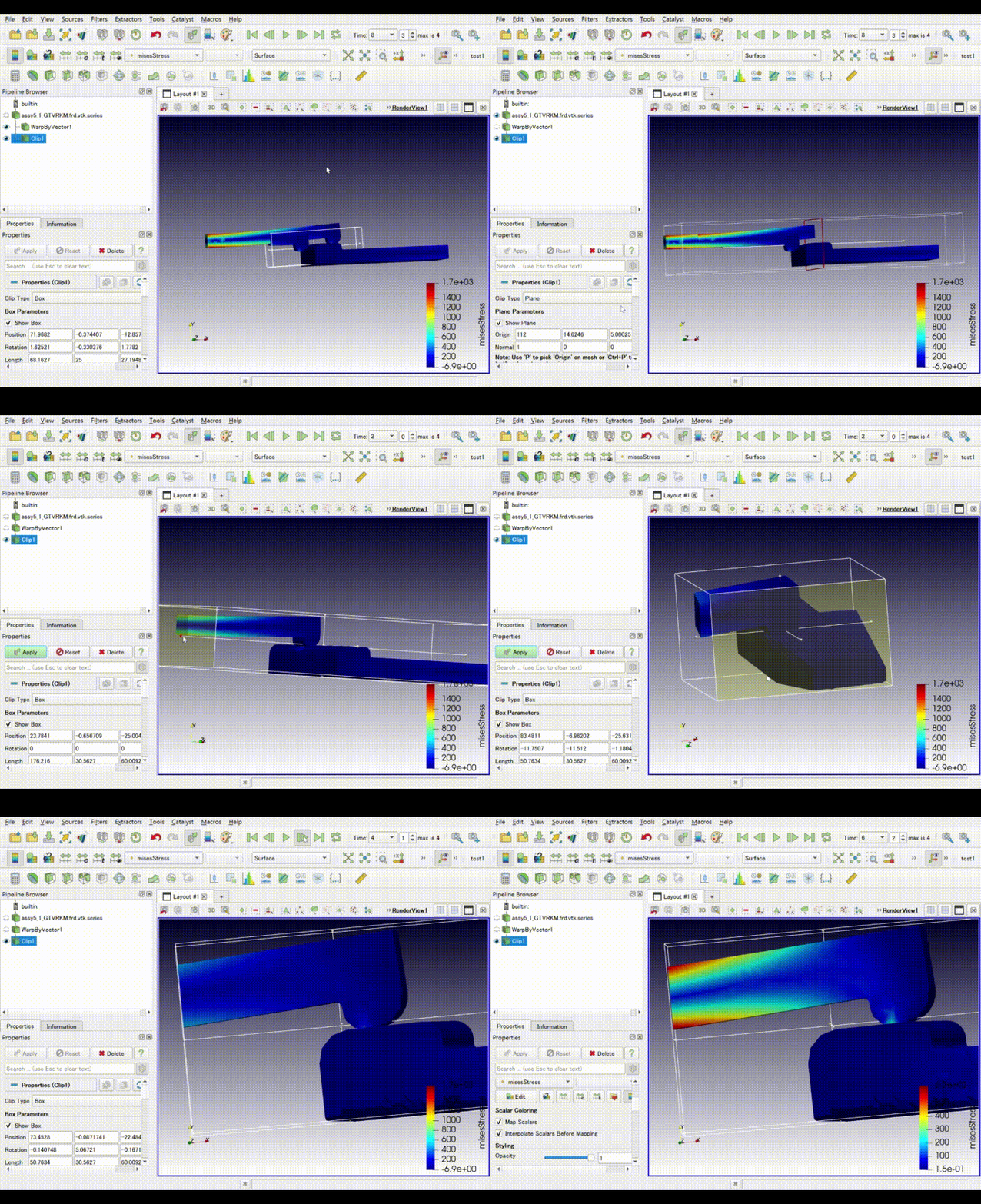
クリップ ボックス
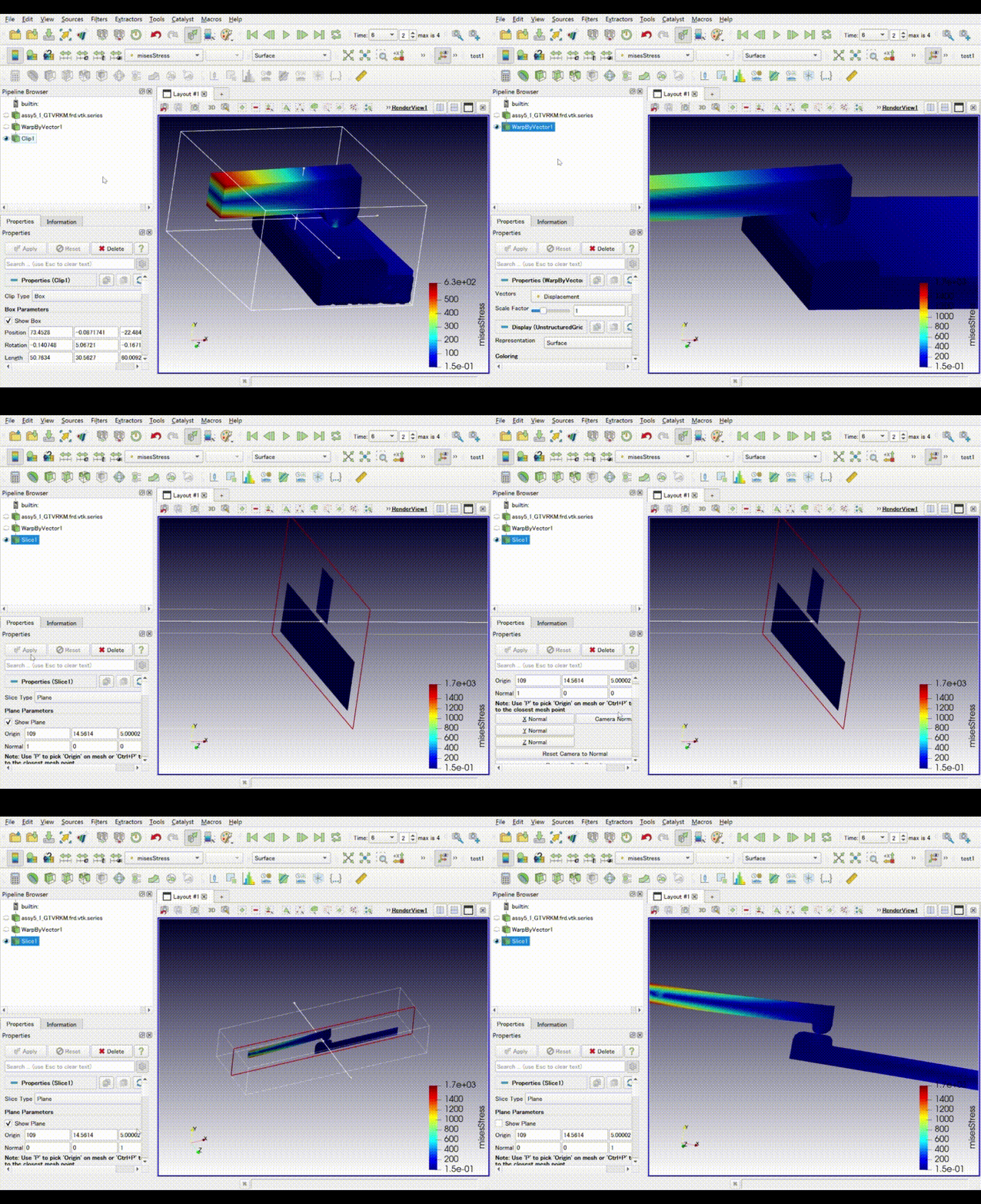
スライス
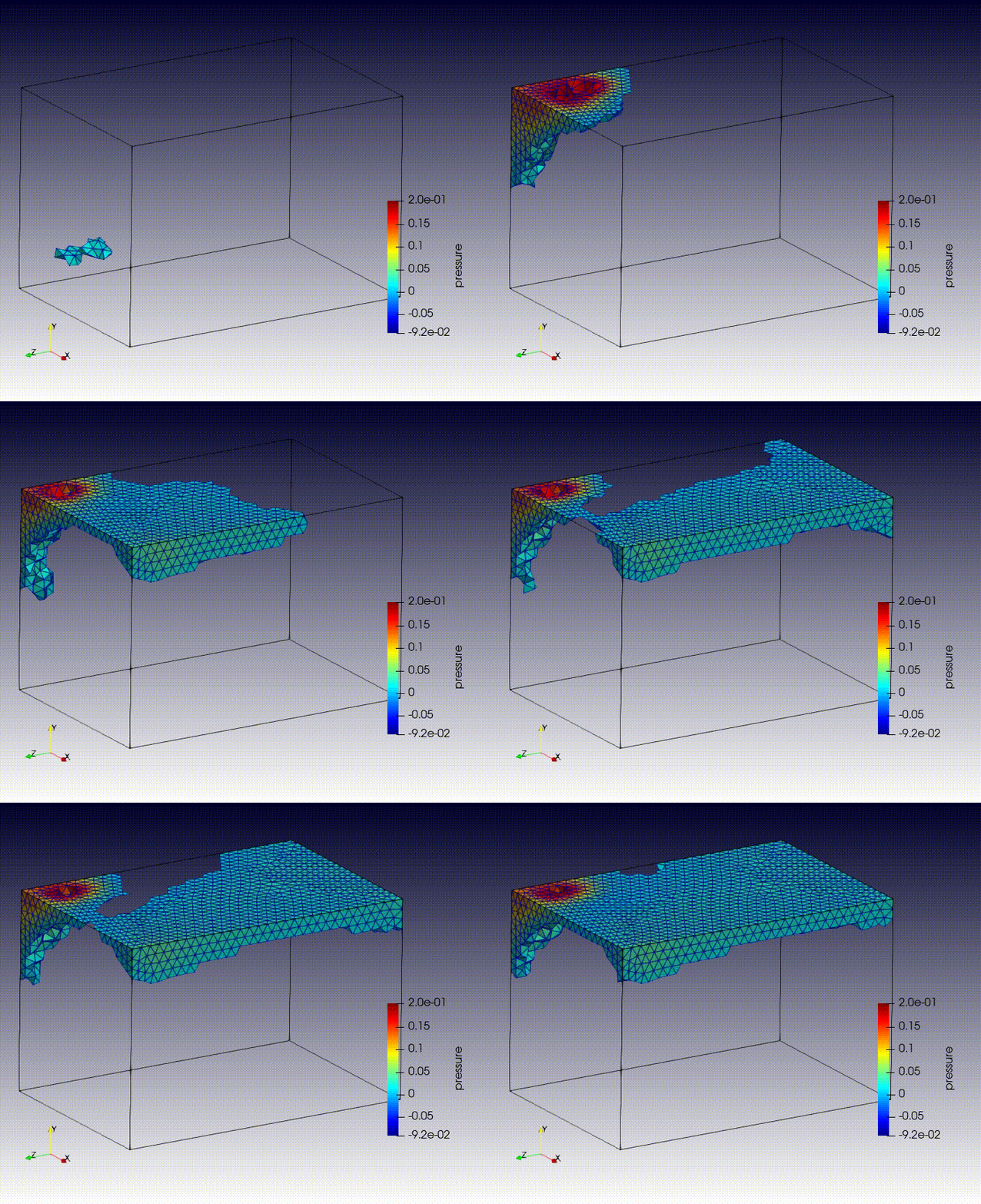
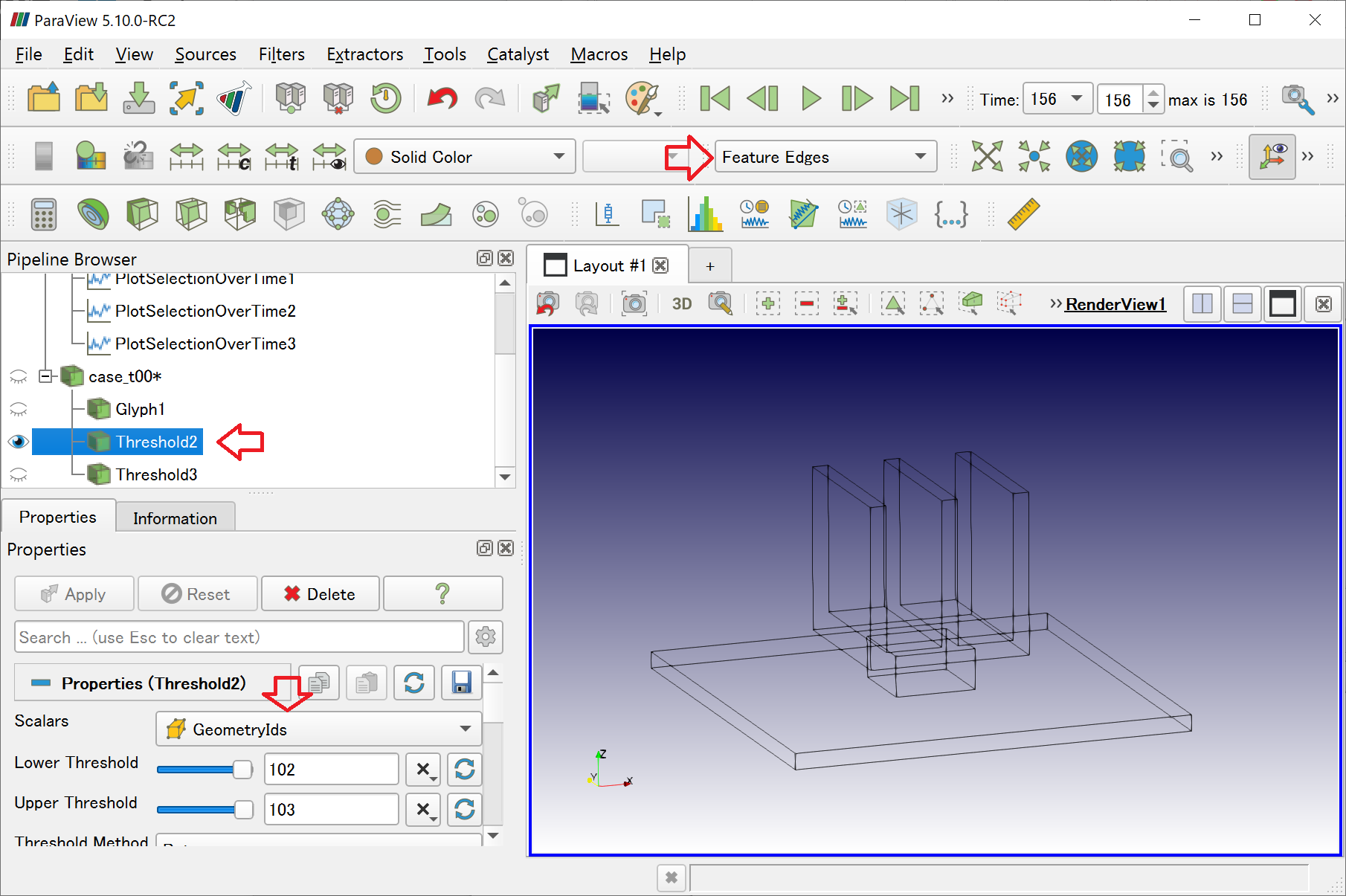
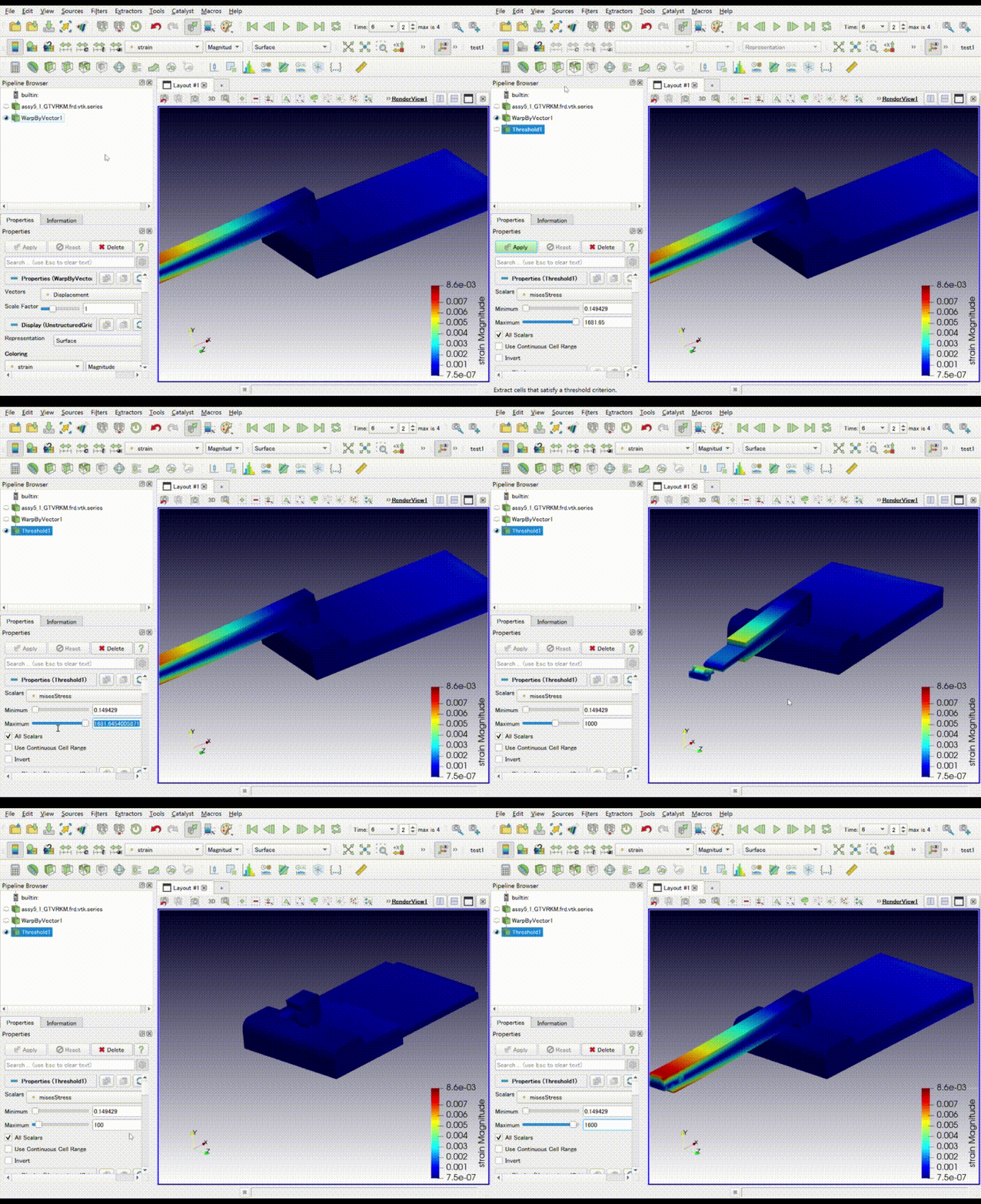
しきい値(threshold)
流体 しきい値表示
エッジ表示

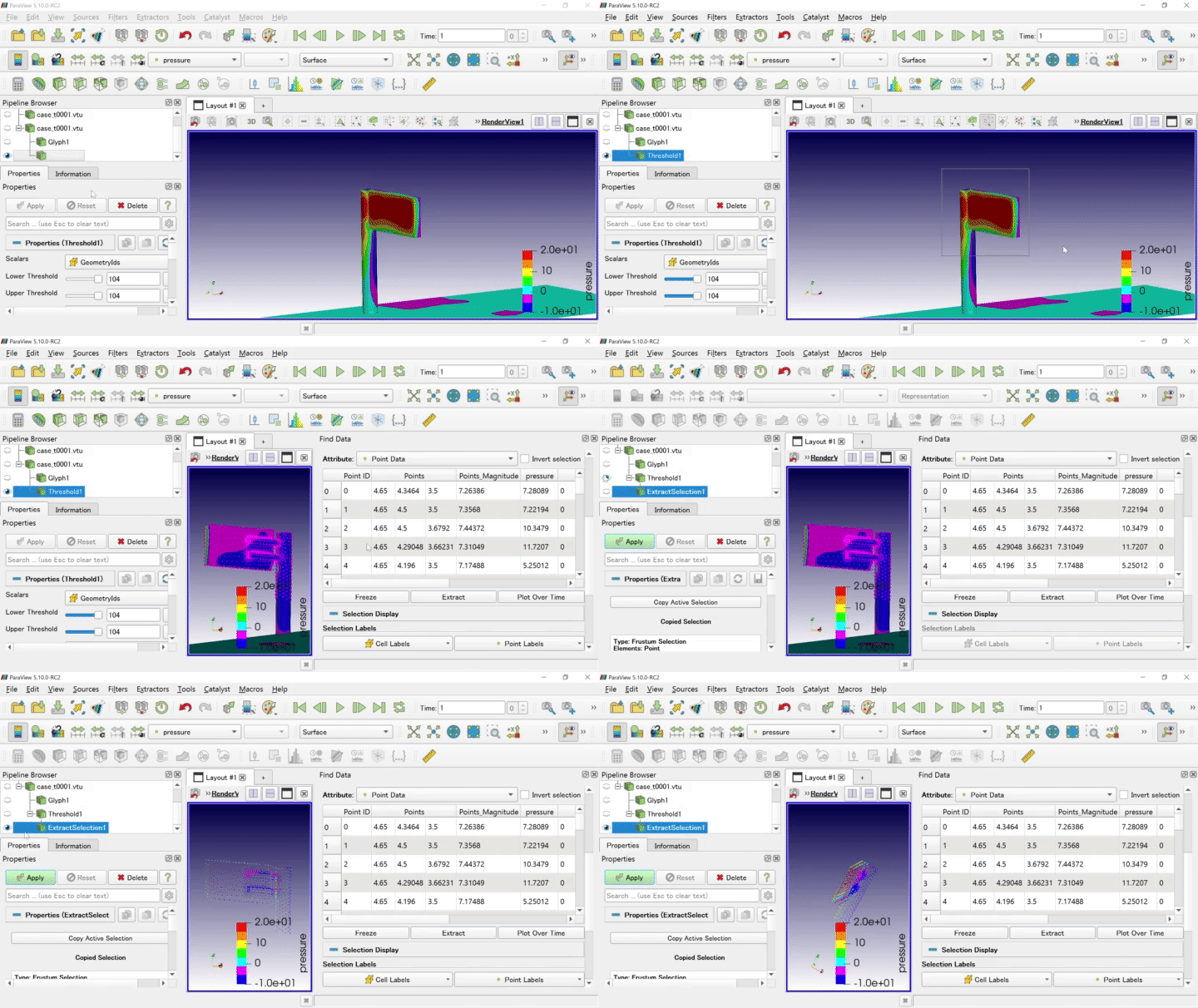
抽出 Extract

節点を選んで取り出します。メニュー>File>SaveFileからcsv形式で保存できます。

■パーツ分け
部品を個別に表示する際に使用できます。

隠れてしまうような場合に

Ctrlで継続選択

Calculator

式を作成して表示します。

任意で式を作成します。

Contour

コンタラインを作成します、

コメント

This website stores cookies on your computer. These cookies are used to provide a more personalized experience and to track your whereabouts around our website in compliance with the European General Data Protection Regulation. If you decide to to opt-out of any future tracking, a cookie will be setup in your browser to remember this choice for one year.

Accept or Deny

Translate »
タイトルとURLをコピーしました