レンダリングについてです。
Render
Renderモジュールについての覚書です。
アドオンで追加します。(アドオンマネージャによる追加)

操作
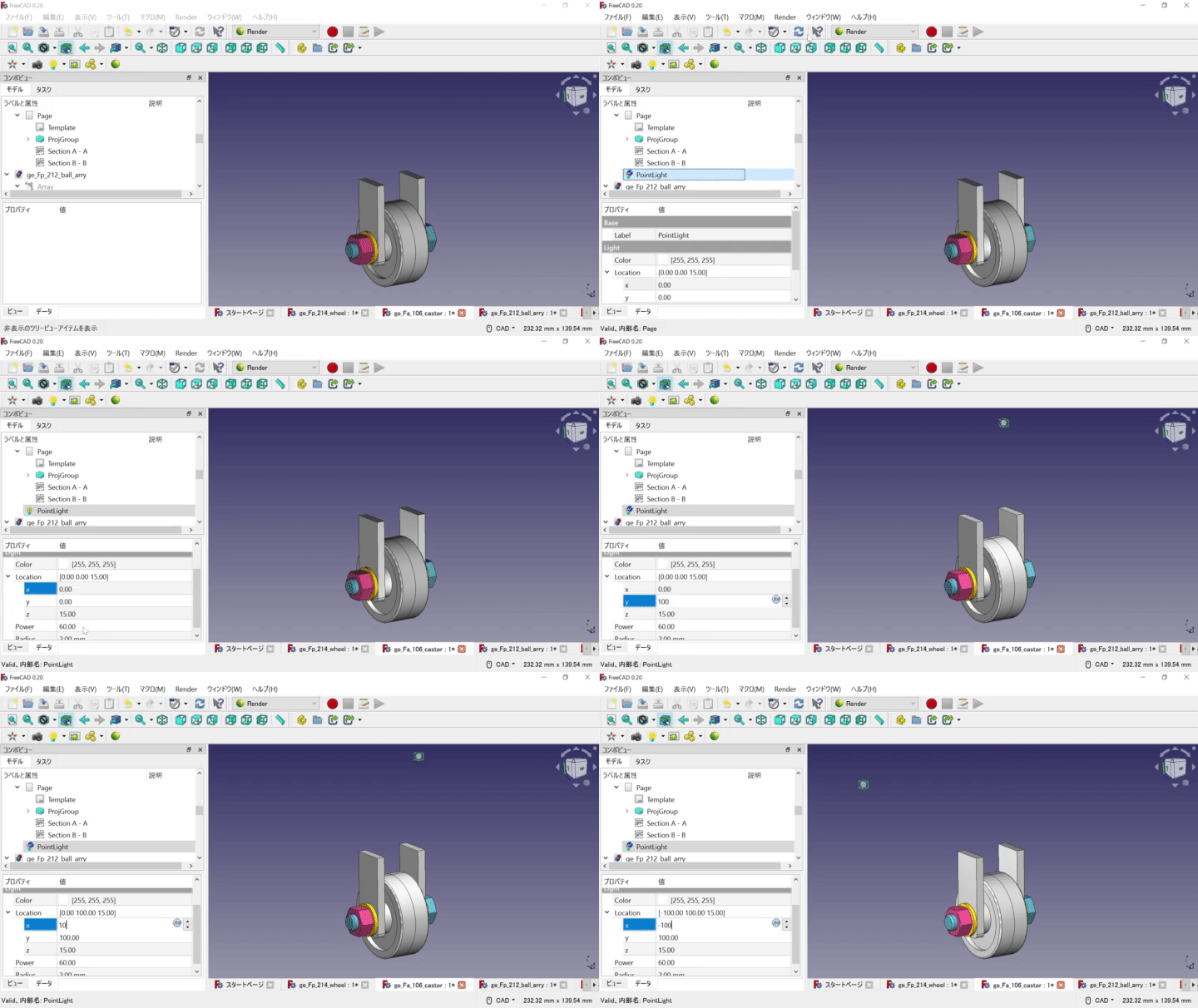
point Light
カメラ
cameraアイコンでビューを設定できます。複数設置して、ビューを保存しておけます。
レンダリングエンジン Render Version 2023.2.2
環境設定
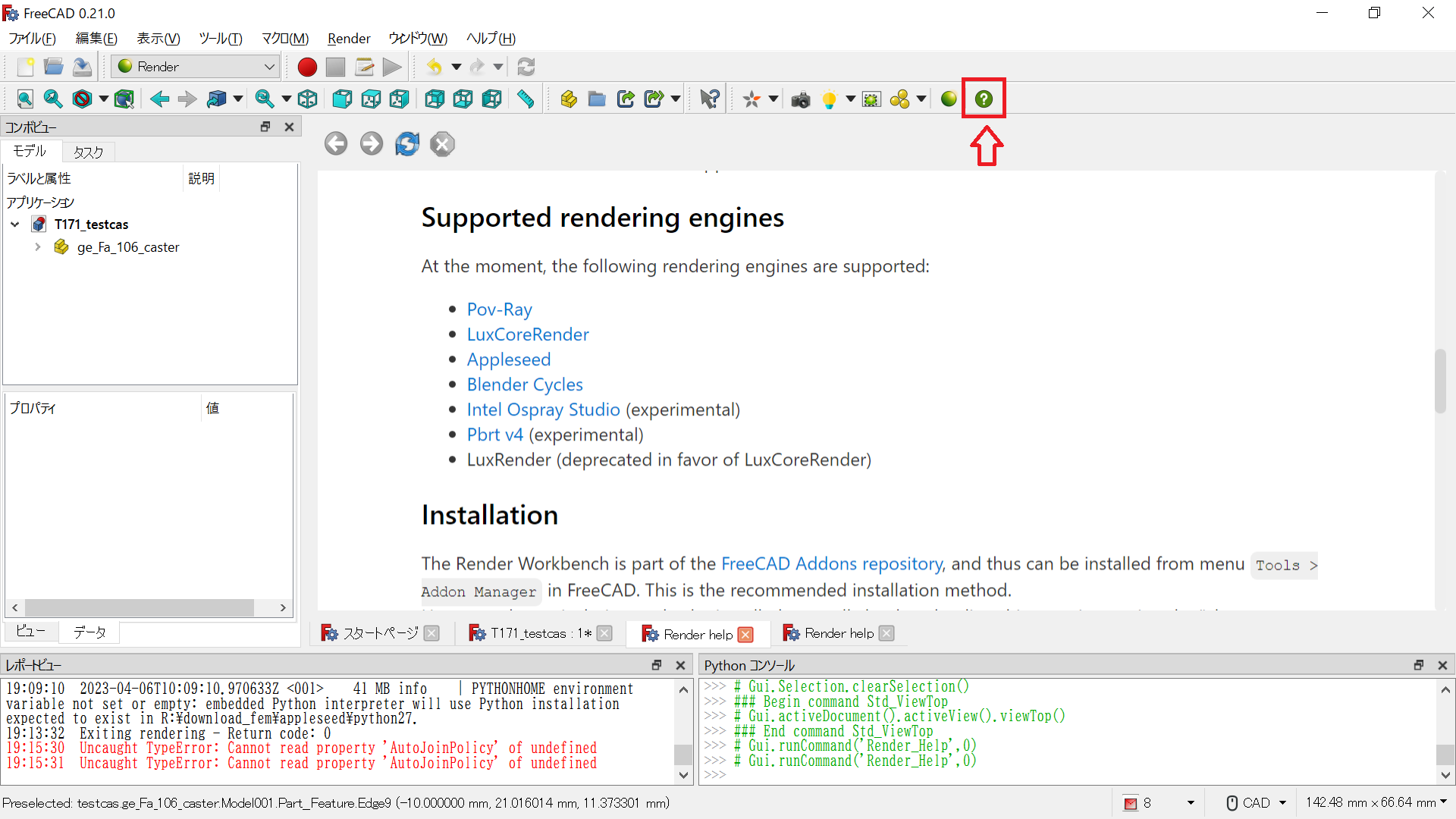
Helpアイコンからレンダリングエンジンをダウンロードします。
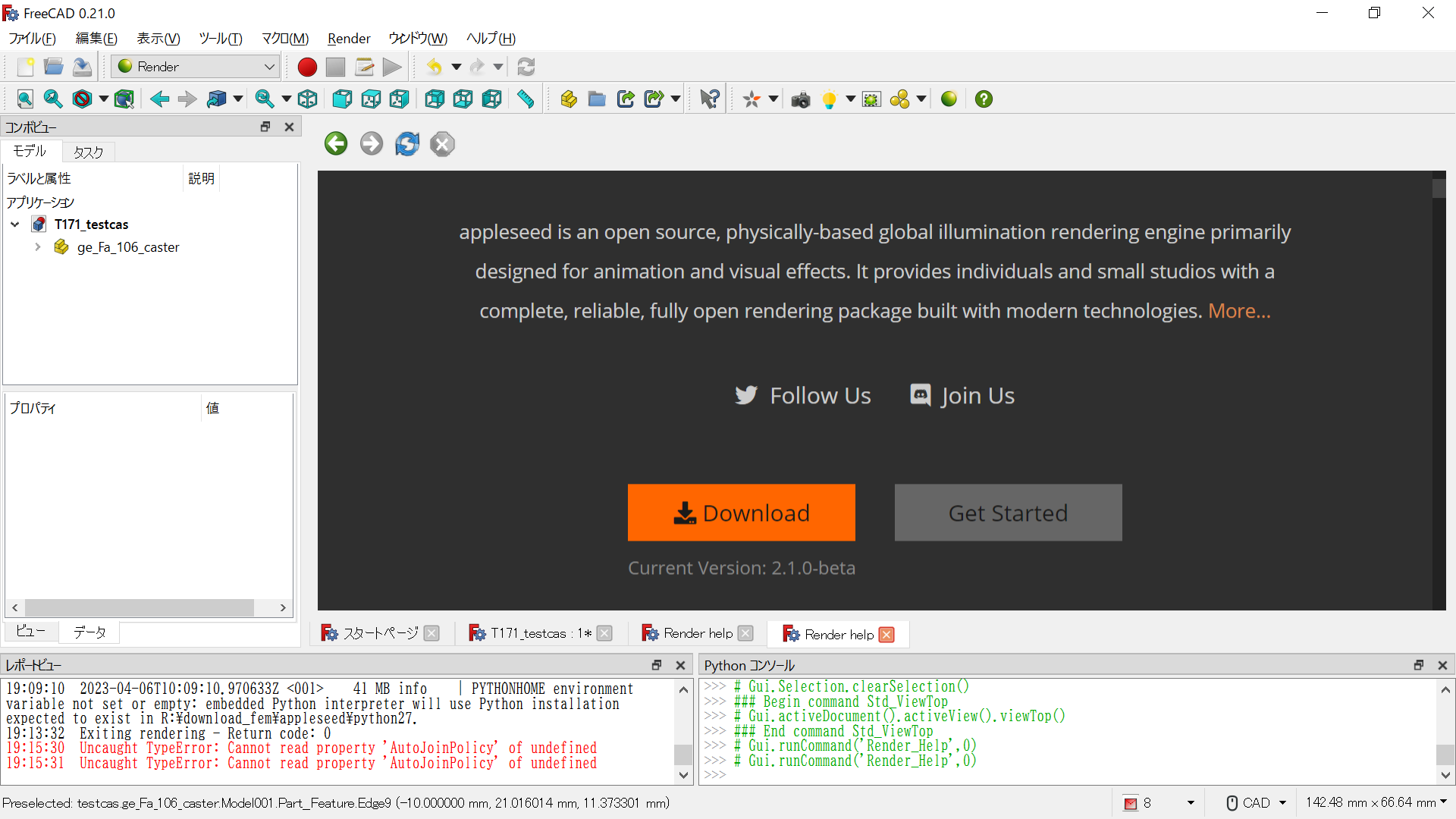
図はAppleseedの例です。
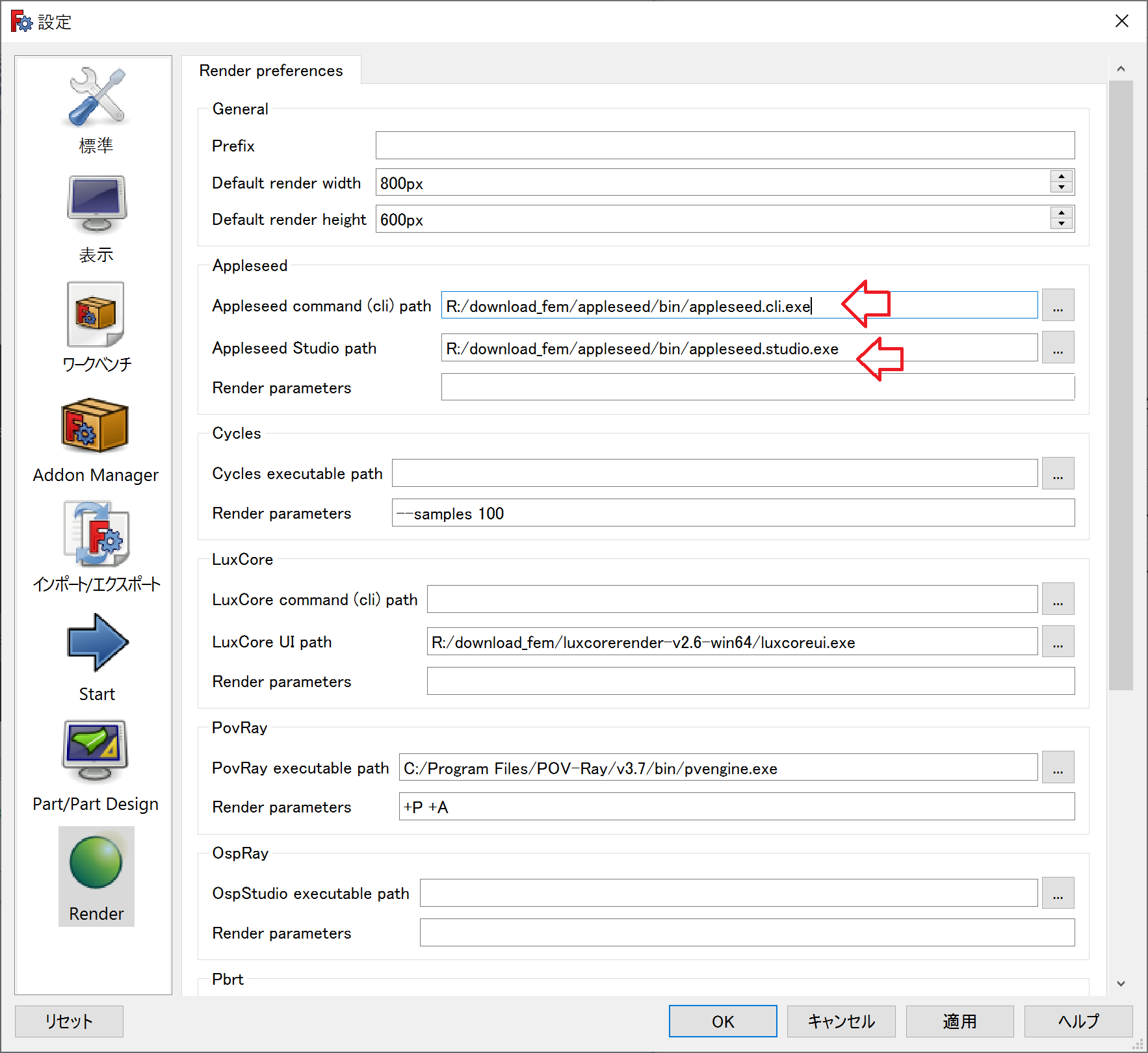
ダウンロードしたzipを解凍して、binフォルダ内のexeファイルをFreeCADの設定で呼び出します。(FreeCADのメニュー>編集>設定)
環境に合わせてパスを設定します。
レンダリング作業
要点としては、templateファイルの選択、カメラの設置、カメラと対象パーツを選択して、プロジェクトに係属させます。
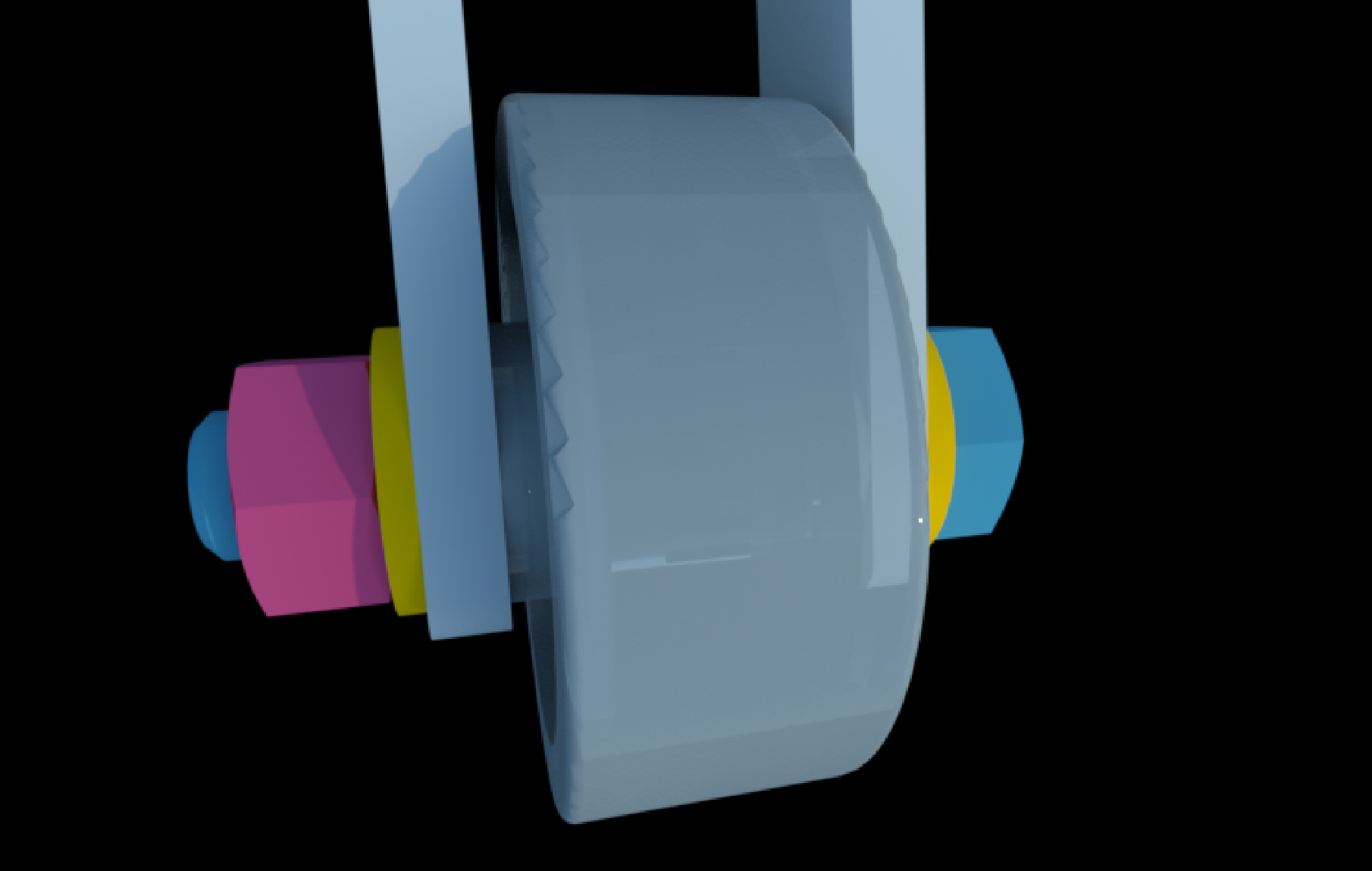
Luxcoreの場合
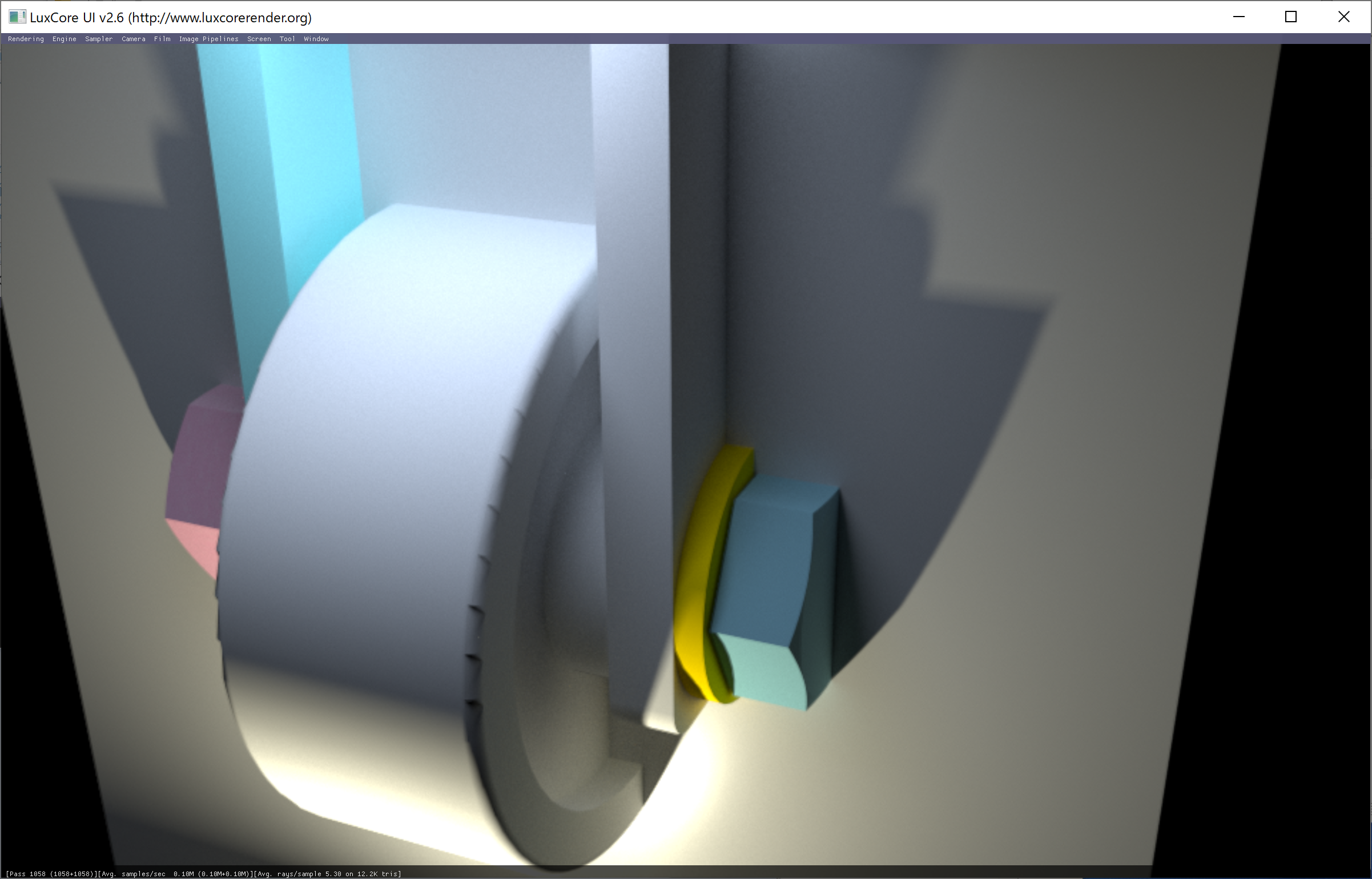
そのほか
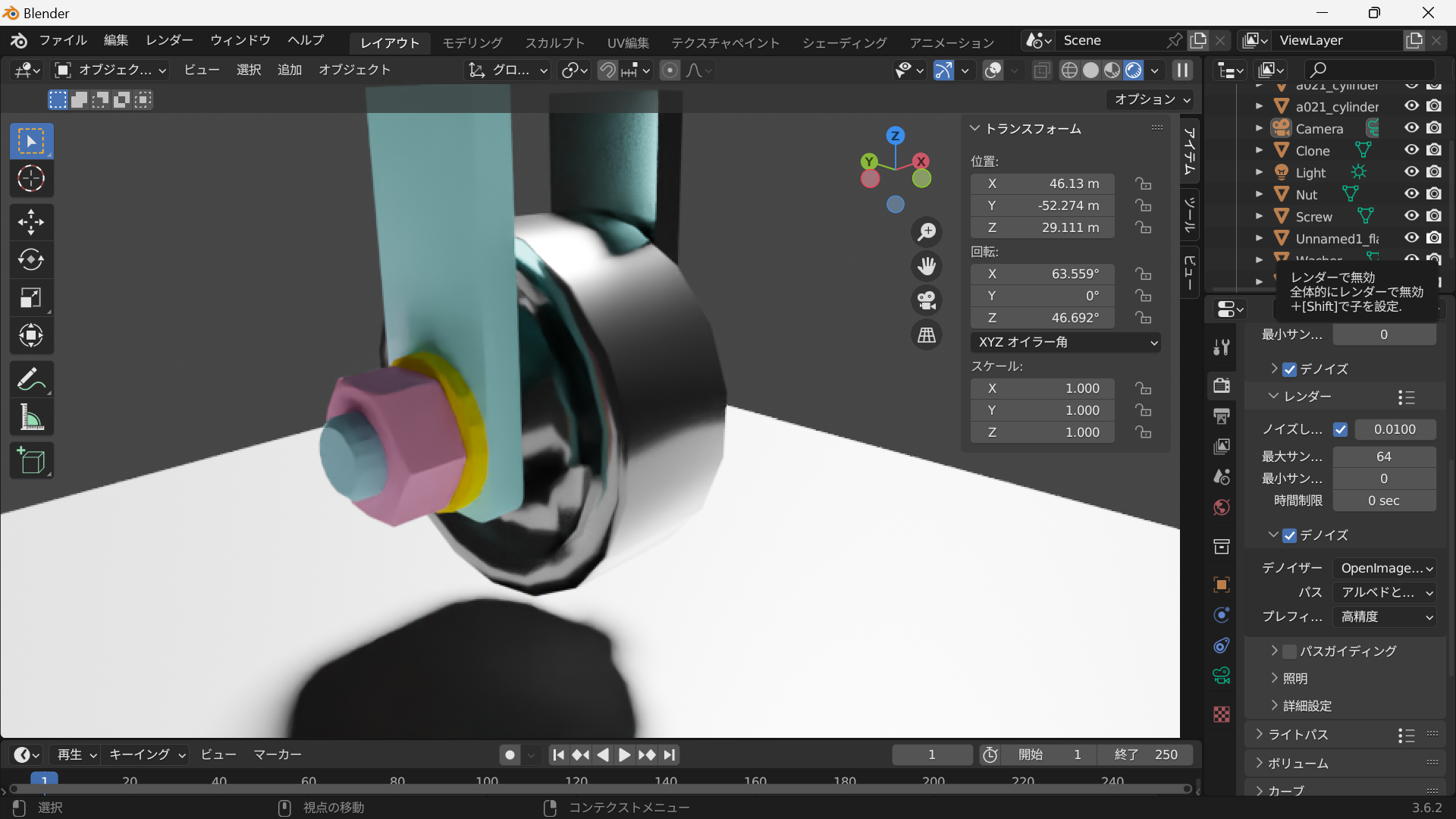
blenderで行った場合です。FreeCADのマニュアルでもこちらが提案されているようです。
 I101 blender レンダリングblenderでレンダリングを簡単に行ってみました。現時点ではFreeCADよりも行いやすいと思います。準備レンダリング表示する前にカラー(マテリアル)とライト、カメラの設定が必要です。マテリアル構造物を彩色する場合はマテリアルの設定を行い...backyard.enginfo.jp
blenderだと比較的簡単にレンダリング画像が作成できます。
コメント